Visualize Data Flow with Sankey Diagrams
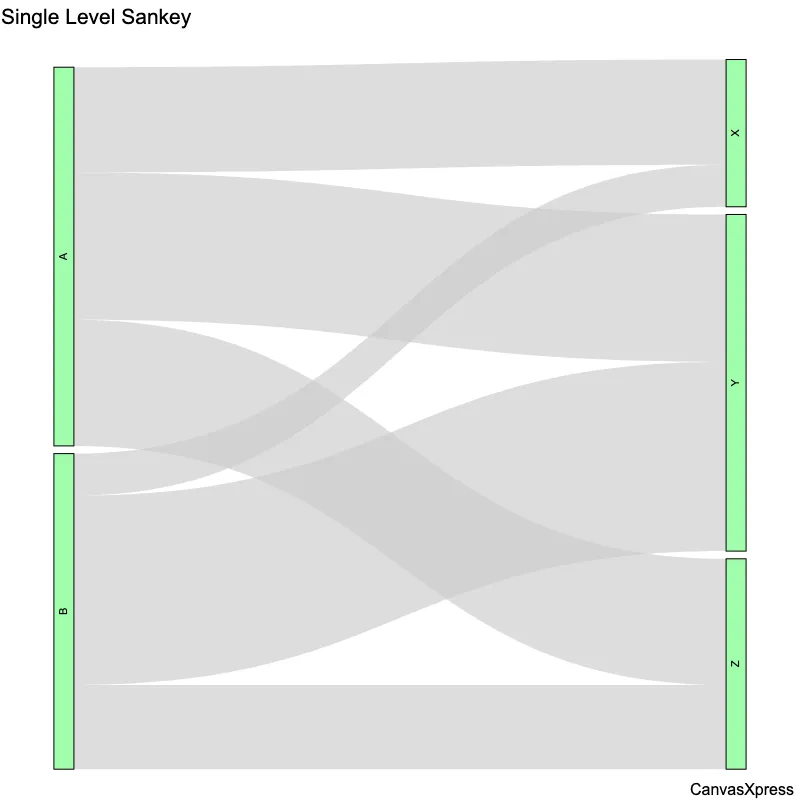
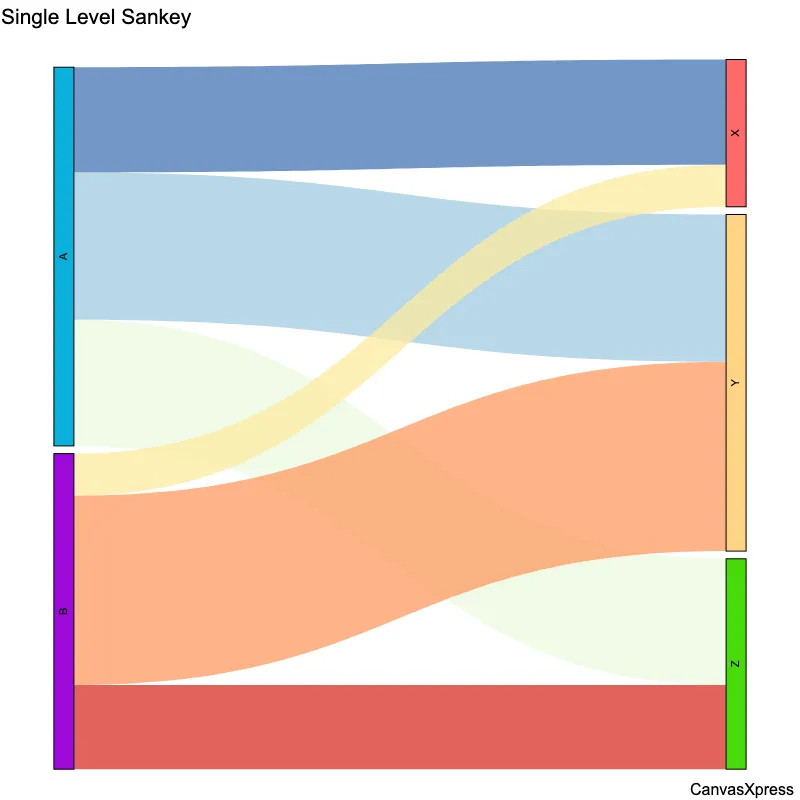
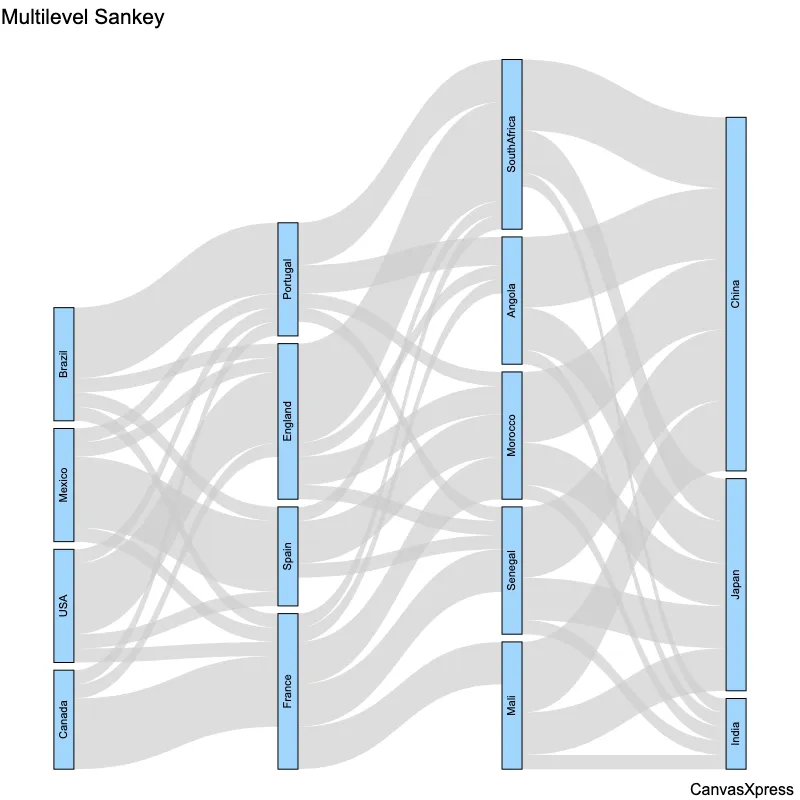
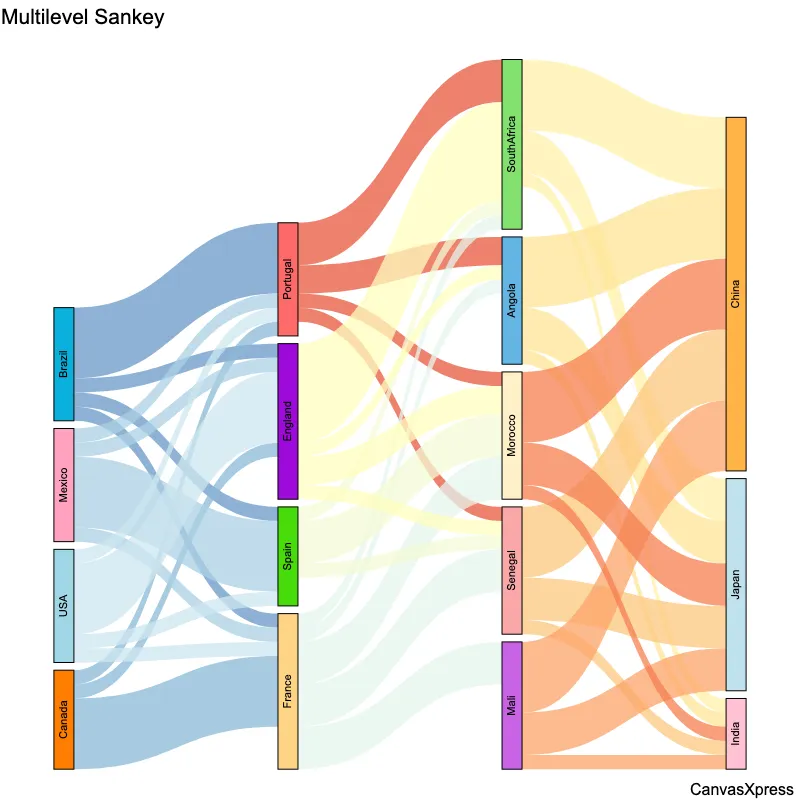
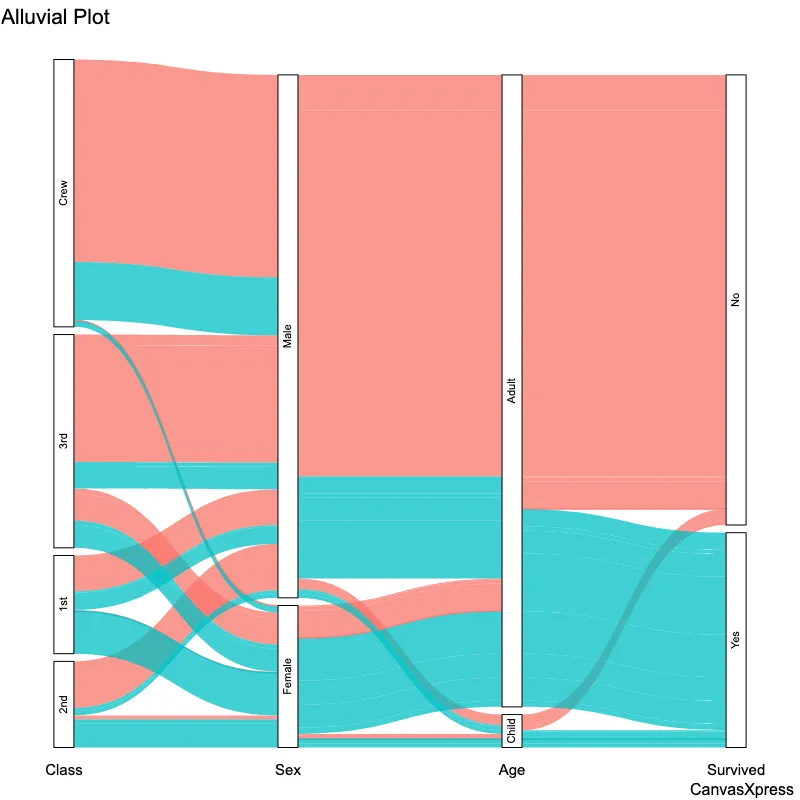
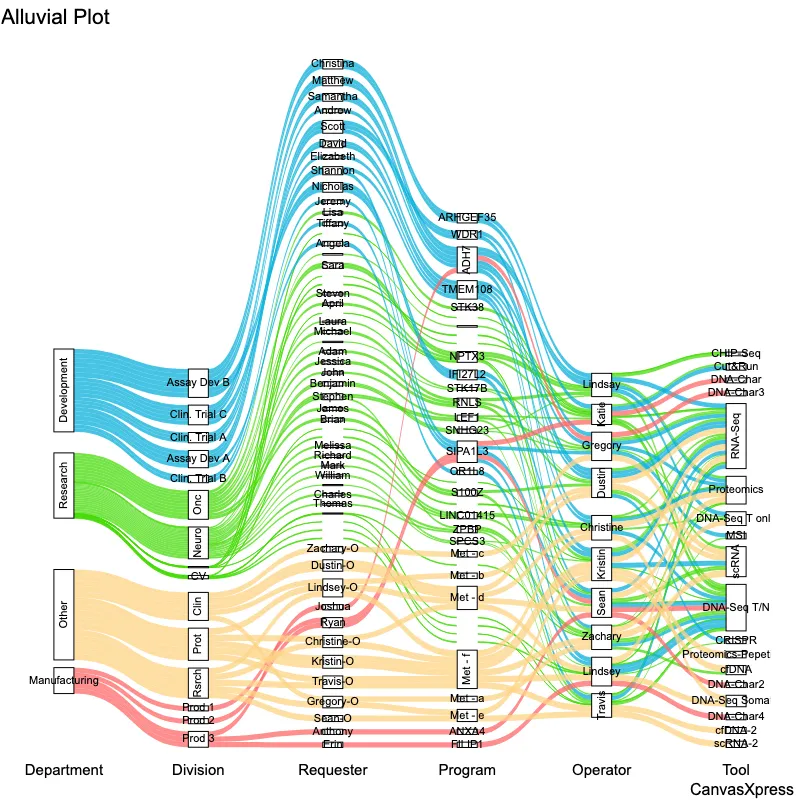
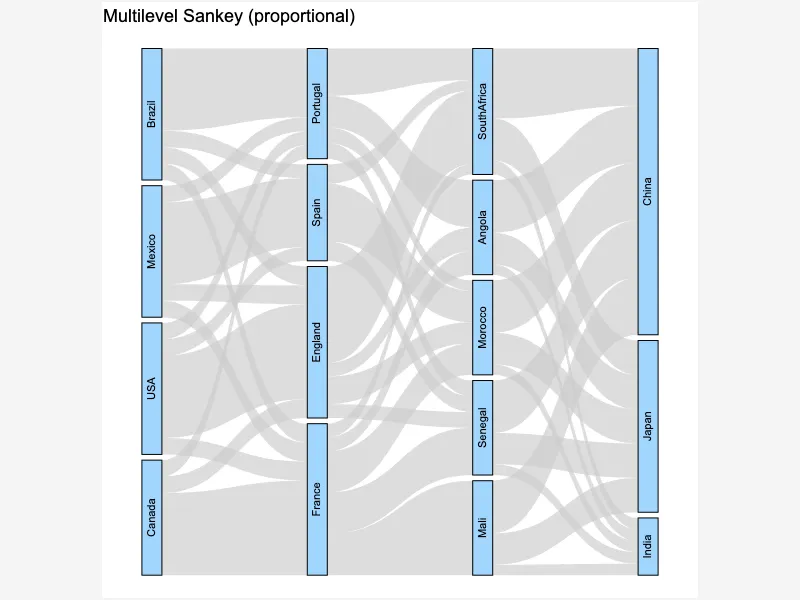
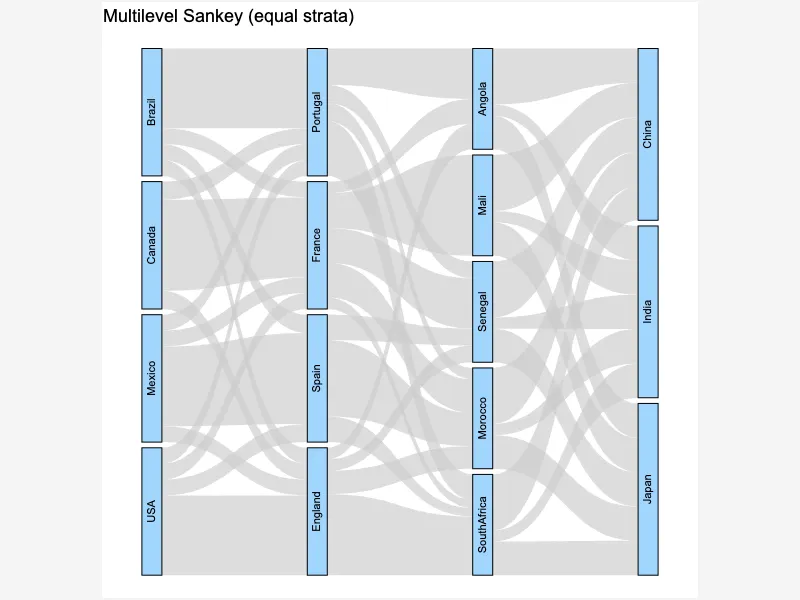
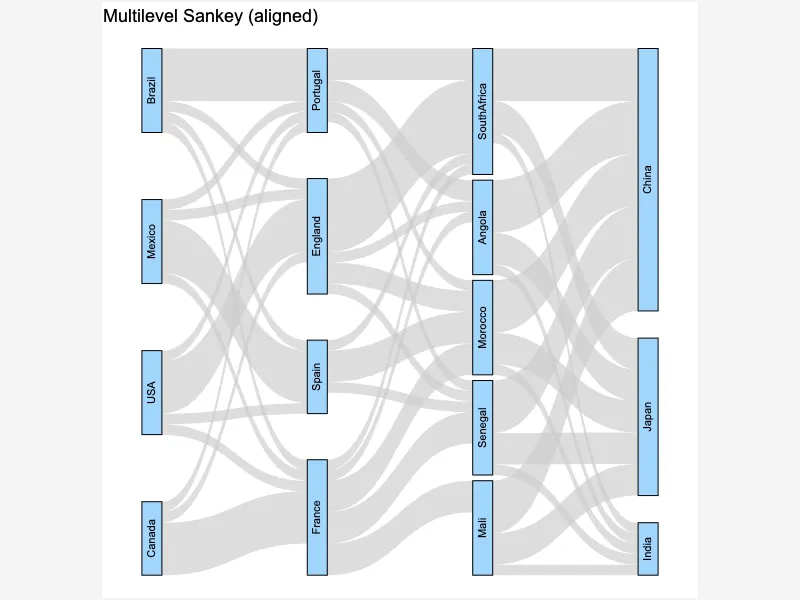
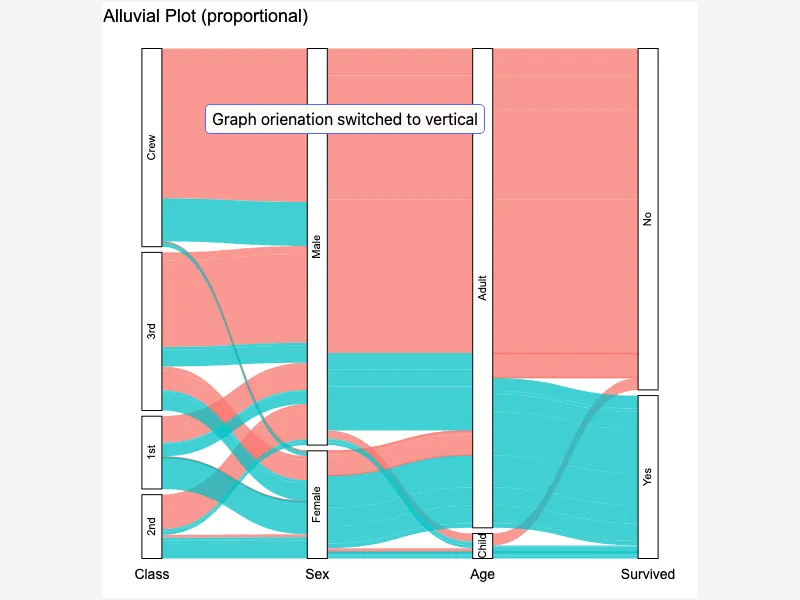
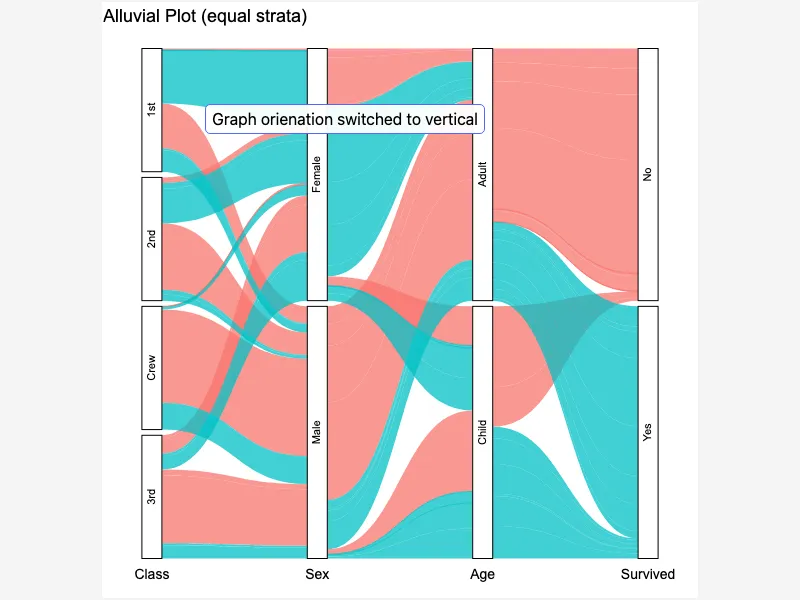
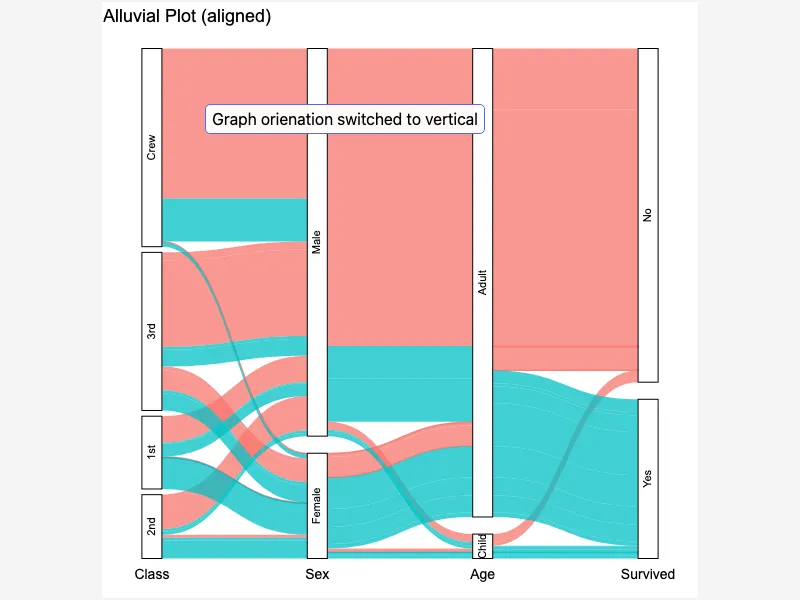
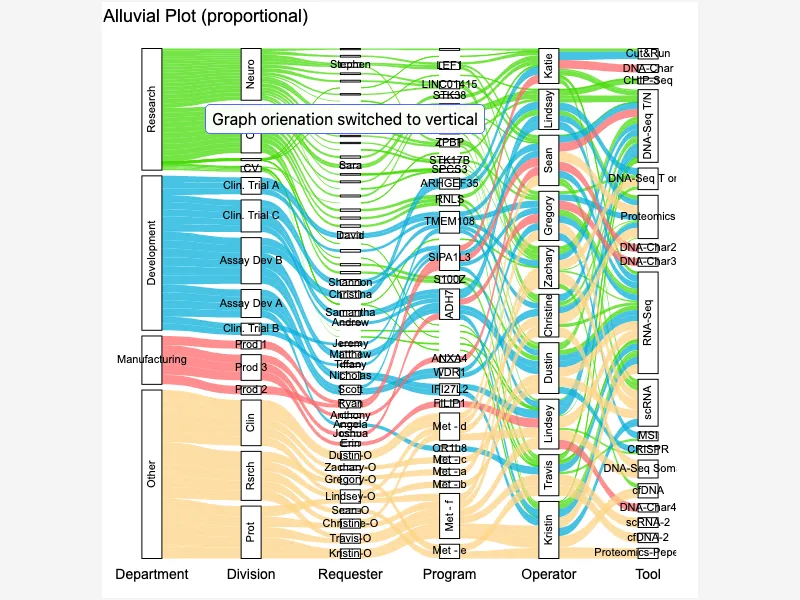
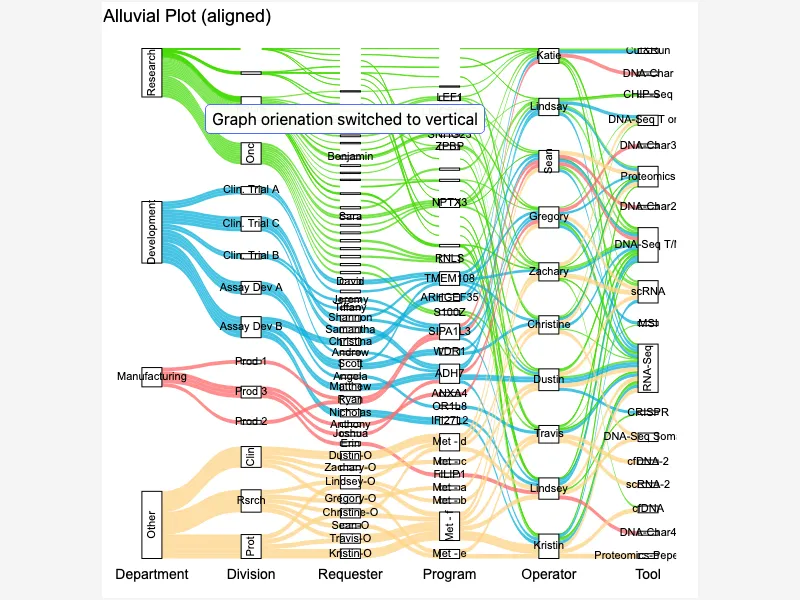
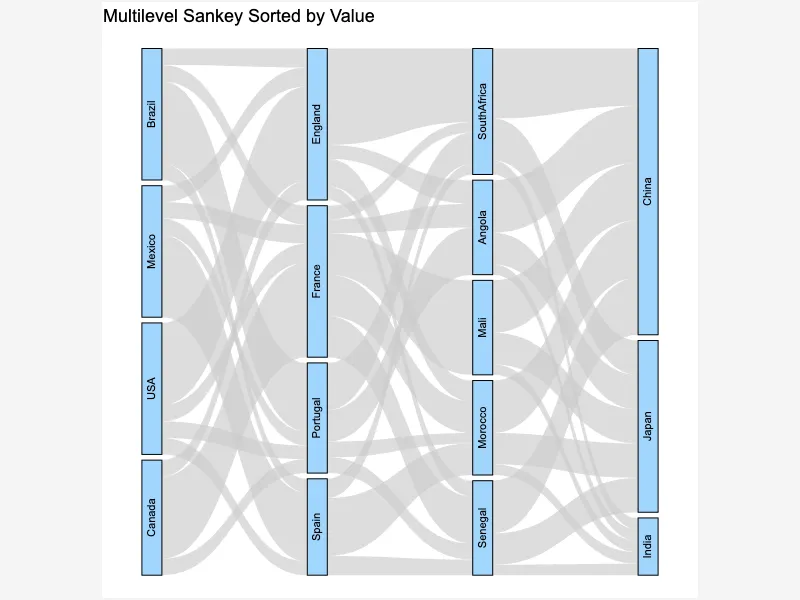
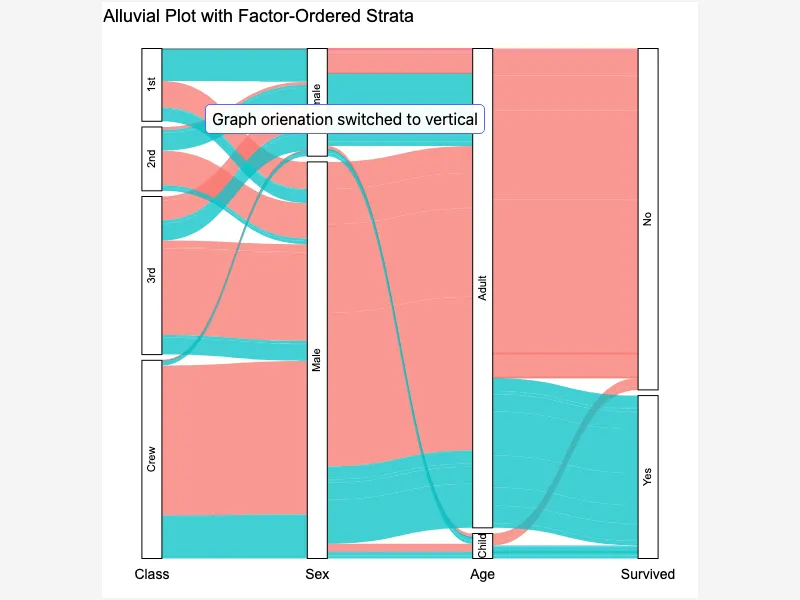
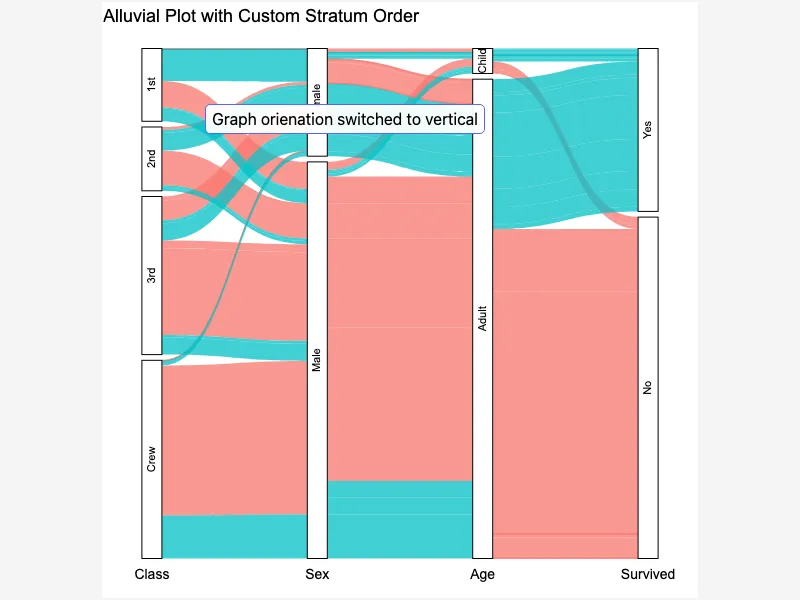
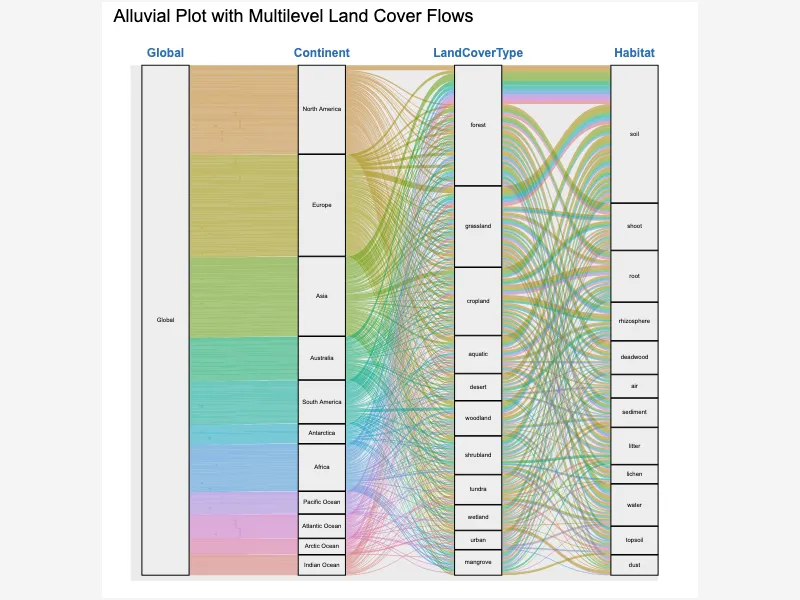
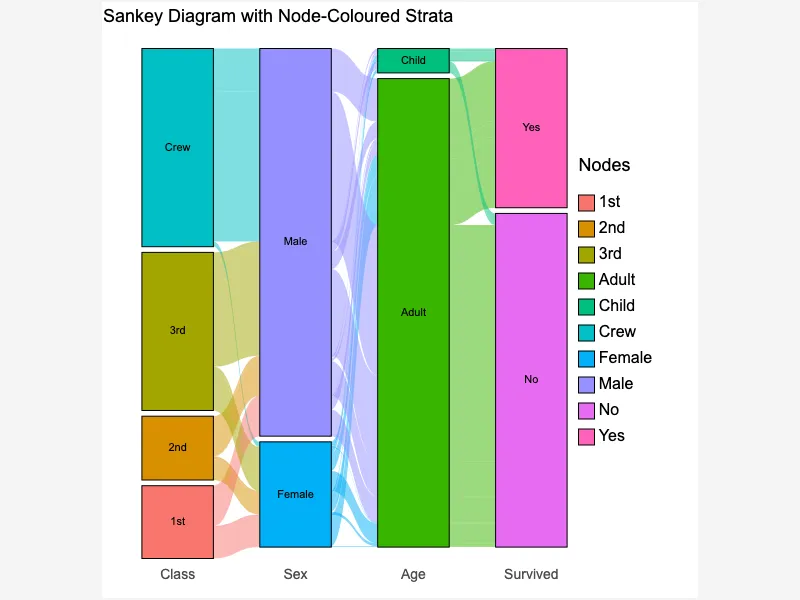
Sankey diagrams provide a clear visual representation of flows and are used across various fields, from energy systems to financial analysis. Their strength lies in showing the magnitude of flows between different stages or categories, making complex relationships easy to understand. These diagrams are particularly useful for highlighting bottlenecks or inefficiencies in a process. They are easily created using various software and readily interpretable, making them an excellent communication tool for complex data visualization.


<html>

  <head>
    <!-- Include the CanvasXpress library in your HTML file -->
    <link rel="stylesheet" href="https://www.canvasxpress.org/dist/canvasXpress.css" type="text/css"/>
    <script src="https://www.canvasxpress.org/dist/canvasXpress.min.js"></script>
  </head>

  <body>

    <!-- Create a canvas element for the chart with the desired dimensions -->
    <div>
      <canvas id="canvasId" width="600" height="600"></canvas>
    </div>


    <!-- Create a script to initialize the chart -->
    <script>

      // Use a data frame (2D-array) for the graph
      var data = [
        [ "Id", "Weight", "Source", "Weight", "Target"],
        [ "smp1", 5, "A", 1, "X"],
        [ "smp2", 7, "A", 2, "Y"],
        [ "smp3", 6, "A", 3, "Z"],
        [ "smp4", 2, "B", 4, "X"],
        [ "smp5", 9, "B", 5, "Y"],
        [ "smp6", 4, "B", 6, "Z" ]
      ];

      // Create the configuration for the graph
      var config = {
        "graphOrientation": "vertical",
        "graphType": "Sankey",
        "sankeyNodesColor": "rgba(20, 250, 50, 0.4)",
        "sankeySource": "Source",
        "sankeyTarget": "Target",
        "showTransition": false,
        "title": "Single Level Sankey",
        "xAxis": ["Weight"]
      }

      // Event used to create graph (optional)
      var events = false

      // Call the CanvasXpress function to create the graph
      var cX = new CanvasXpress("canvasId", data, config, events);

    </script>

  </body>

</html>
<html>

  <head>
    <!-- Include the CanvasXpress library in your HTML file -->
    <link rel="stylesheet" href="https://www.canvasxpress.org/dist/canvasXpress.css" type="text/css"/>
    <script src="https://www.canvasxpress.org/dist/canvasXpress.min.js"></script>
  </head>

  <body>

    <!-- Create a canvas element for the chart with the desired dimensions -->
    <div>
      <canvas id="canvasId" width="600" height="600"></canvas>
    </div>


    <!-- Create a script to initialize the chart -->
    <script>

      // Create the data for the graph
      var data = {
         "x" : {
            "Source" : ["A","A","A","B","B","B"],
            "Target" : ["X","Y","Z","X","Y","Z"],
            "Weight" : [1,2,3,4,5,6]
         },
         "y" : {
            "data" : [
              [5,7,6,2,9,4]
            ],
            "smps" : ["smp1","smp2","smp3","smp4","smp5","smp6"],
            "vars" : ["Weight"]
         }
      }

      // Create the configuration for the graph
      var config = {
        "graphOrientation": "vertical",
        "graphType": "Sankey",
        "sankeyNodesColor": "rgba(20, 250, 50, 0.4)",
        "sankeySource": "Source",
        "sankeyTarget": "Target",
        "showTransition": false,
        "title": "Single Level Sankey",
        "xAxis": ["Weight"]
      }

      // Event used to create graph (optional)
      var events = false

            // Call the CanvasXpress function to create the graph
      var cX = new CanvasXpress("canvasId", data, config, events);

    </script>

  </body>

</html>
library(canvasXpress)
y=read.table("https://www.canvasxpress.org/data/r/cX-sankey-dat.txt", header=TRUE, sep="\t", quote="", row.names=1, fill=TRUE, check.names=FALSE, stringsAsFactors=FALSE)
x=read.table("https://www.canvasxpress.org/data/r/cX-sankey-smp.txt", header=TRUE, sep="\t", quote="", row.names=1, fill=TRUE, check.names=FALSE, stringsAsFactors=FALSE)
canvasXpress(
data=y,
smpAnnot=x,
graphOrientation="vertical",
graphType="Sankey",
sankeyNodesColor="rgba(20, 250, 50, 0.4)",
sankeySource="Source",
sankeyTarget="Target",
showTransition=FALSE,
title="Single Level Sankey",
xAxis=list("Weight")
)
from canvasxpress.canvas import CanvasXpress
from canvasxpress.plot import show_in_browser

if __name__ == "__main__":
  # Define the chart with its data and configuration
  chart: CanvasXpress = CanvasXpress(
    render_to = "sankey1",
    data = {
      "x": {
        "Source": ["A", "A", "A", "B", "B", "B"],
        "Target": ["X", "Y", "Z", "X", "Y", "Z"],
        "Weight": [1, 2, 3, 4, 5, 6]
      },
      "y": {
        "data": [
          [5, 7, 6, 2, 9, 4]
        ],
        "smps": ["smp1", "smp2", "smp3", "smp4", "smp5", "smp6"],
        "vars": ["Weight"]
      }
    },
    config = {
      "graphOrientation": "vertical",
      "graphType": "Sankey",
      "sankeyNodesColor": "rgba(20, 250, 50, 0.4)",
      "sankeySource": "Source",
      "sankeyTarget": "Target",
      "showTransition": False,
      "title": "Single Level Sankey",
      "xAxis": ["Weight"]
    },
    width = 600,
    height = 600
  )

  # Display the chart in its own Web page
  show_in_browser(chart)
Run this notebook:

from canvasxpress.canvas import CanvasXpress
from canvasxpress.plot import graph

graph(
  CanvasXpress(
    render_to = "sankey1",
    data = {
      "x": {
        "Source": ["A", "A", "A", "B", "B", "B"],
        "Target": ["X", "Y", "Z", "X", "Y", "Z"],
        "Weight": [1, 2, 3, 4, 5, 6]
      },
      "y": {
        "data": [
          [5, 7, 6, 2, 9, 4]
        ],
        "smps": ["smp1", "smp2", "smp3", "smp4", "smp5", "smp6"],
        "vars": ["Weight"]
      }
    },
    config = {
      "graphOrientation": "vertical",
      "graphType": "Sankey",
      "sankeyNodesColor": "rgba(20, 250, 50, 0.4)",
      "sankeySource": "Source",
      "sankeyTarget": "Target",
      "showTransition": False,
      "title": "Single Level Sankey",
      "xAxis": ["Weight"]
    },
    width = 600,
    height = 600
  )
)
using CanvasXpress

canvasxpress(Dict(
  "x" => Dict(
    "Source" => ["A", "A", "A", "B", "B", "B"],
    "Target" => ["X", "Y", "Z", "X", "Y", "Z"],
    "Weight" => [1, 2, 3, 4, 5, 6]
  ),
  "y" => Dict(
    "data" => [
      [5, 7, 6, 2, 9, 4]
    ],
    "smps" => ["smp1", "smp2", "smp3", "smp4", "smp5", "smp6"],
    "vars" => ["Weight"]
  )
);
  graphOrientation = "vertical",
  graphType = "Sankey",
  sankeyNodesColor = "rgba(20, 250, 50, 0.4)",
  sankeySource = "Source",
  sankeyTarget = "Target",
  showTransition = false,
  title = "Single Level Sankey",
  xAxis = ["Weight"]
)